Short answer: Structured data is code that describes your business for search engines and AI: name, address, phone, services, prices and common questions. Write it in JSON-LD following schema.org and put it in the page code. A small business usually needs LocalBusiness, Service and BreadcrumbList, and an online store needs Product. Everything in the data must match what is visible on the page.
Why it matters
A person instantly understands that “1 Main Street, Springfield” is an address. A machine has to guess. Structured data removes the guessing. Google uses it to understand the page and for rich results. AI services get the same clear facts to repeat.
The types a small business needs
| Type | Describes | Where it belongs |
|---|---|---|
| LocalBusiness (or Organization) | Name, address, phone, opening hours, area, social accounts | Every page, or the home page |
| Service with Offer | A service and its price | Service pages |
| Product with Offer | A product, price, currency, stock | Product pages in the store |
| BreadcrumbList | Where the page sits in the structure | All subpages |
| Article | Headline, author, date | Guides and articles |
| FAQPage | Questions and answers | Pages with common questions |
A note on FAQPage: since 2023 Google only shows FAQ rich results for a small number of government and health sites. The data can still help machines understand the questions and answers, so it does no harm.
An example to start from
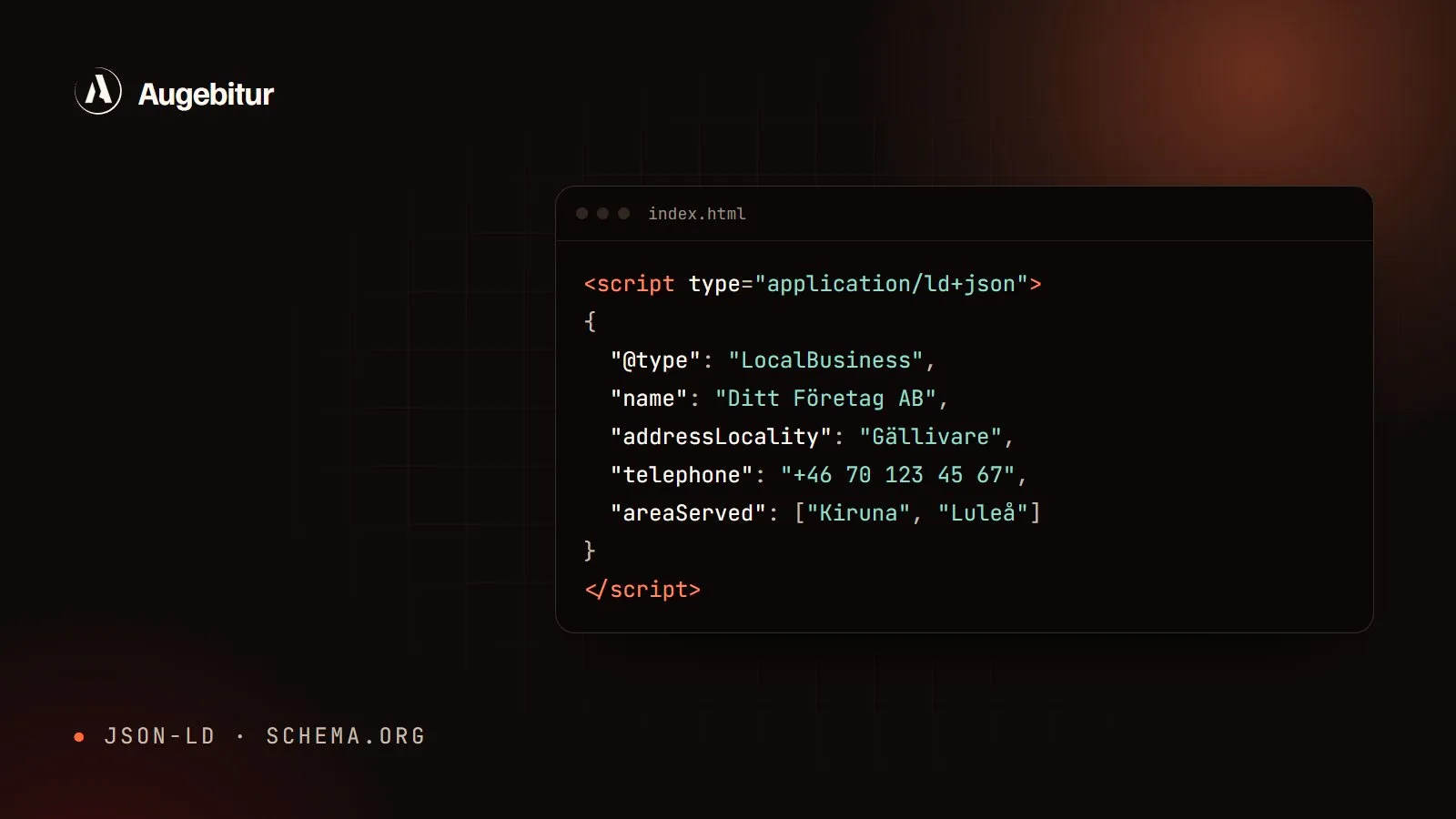
This is what LocalBusiness can look like for a small business. Swap in your details and put the code in the page <head>:
<script type="application/ld+json">
{
  "@context": "https://schema.org",
  "@type": "LocalBusiness",
  "name": "Your Company Ltd",
  "url": "https://yourcompany.com/",
  "telephone": "+46 70 123 45 67",
  "email": "info@yourcompany.com",
  "address": {
    "@type": "PostalAddress",
    "streetAddress": "1 Main Street",
    "postalCode": "982 31",
    "addressLocality": "Gällivare",
    "addressCountry": "SE"
  },
  "areaServed": ["Gällivare", "Kiruna", "Luleå"],
  "openingHours": "Mo-Fr 08:00-17:00",
  "sameAs": ["https://www.instagram.com/yourcompany/"]
}
</script>
How we do it: On augebitur.com the structured data is not written by hand. It is built from the same data files as the text on the pages, so prices and contact details in the code can never differ from what the visitor sees. Every service page gets Service with a price, every guide gets Article and every page gets BreadcrumbList.
Common mistakes
- Data that is not on the page. Reviews, prices or opening hours that only exist in the code count as misleading.
- The wrong type. A hairdresser is a HairSalon, an electrician an Electrician. Pick the most specific type available.
- Old details. A new phone number on the page but the old one in the data confuses more than it helps.
- Everything at once without testing. Test every change.
Checklist
- LocalBusiness or Organization with name, address and phone
- Service with a price on every service page
- Product with price and stock on every product page
- BreadcrumbList on subpages
- Tested in Google’s Rich Results Test and at validator.schema.org
- The same details as on the page, in Google Business Profile and in directories
Keep reading with local SEO for small businesses and how your business shows up in ChatGPT and Google AI.