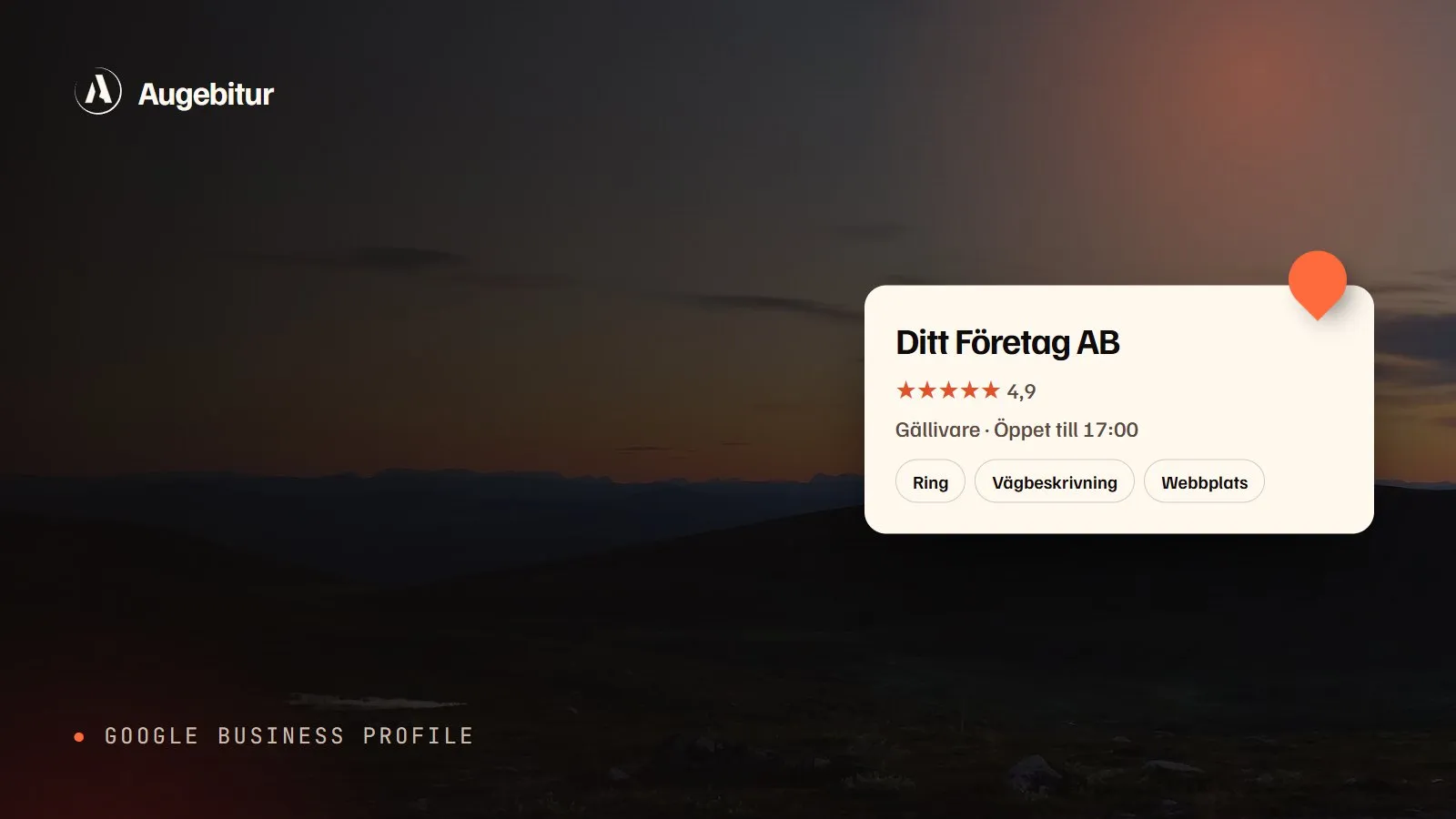
Short answer: Go to business.google.com, find or add your business, pick the right primary category and verify. Then fill in everything: service area, opening hours, services, photos and a short description. Name, address and phone should read exactly as on your website. Reply to every review.
Why does the profile matter so much?
When someone searches for “hairdresser near me” or “electrician in town”, Google shows a map with three businesses before the regular results. Those three come from Google Business Profile. For a local business it is often the most important place to be seen, and it costs nothing.
Step by step
- Create or claim the profile. Go to business.google.com and search for your business name. If a profile already exists you claim it, otherwise you add a new one.
- Pick a primary category. Choose the one that best describes what you do, not everything you do. Then add a few extra categories for the rest.
- Set an address or service area. If customers come to you, enter the address. If you go to them, list the places you work in and hide the address.
- Verify. Google decides the method. Often it is a short video showing your sign, premises or tools.
- Fill in the rest. Phone, website, opening hours, holidays, services with descriptions and a text about the business.
- Add photos. Real photos of the premises, the team and the work. No stock images.
What makes the biggest difference
| Setting | Why |
|---|---|
| Primary category | Decides which searches you can show up for |
| Name, address, phone | Must match the website and other directories |
| Reviews | Count, rating and your replies weigh heavily |
| Photos | Profiles with real photos get more clicks |
| Services | Words customers search for, with your own descriptions |
| Opening hours | Wrong hours lead to bad reviews |
How we do it: On augebitur.com the name, address and phone read exactly the same in the footer, in the structured data and in the profile. It sounds fussy, but it is how Google understands that all the details belong to the same business.
Reviews
Ask happy customers for a review right after a finished job, when they are happiest. Send the link, not a description of how to find it. Reply to every review, including the bad ones. A calm, factual reply to a bad review says more about you than the review itself.
Never buy reviews or write them yourself. It breaks Google’s rules and can get the profile suspended.
Checklist
- Right primary category and two to four extra categories
- Name exactly as on the sign, with no keywords squeezed in
- Same address and phone as on the website
- Opening hours, including holidays
- At least ten real photos
- Every service added with a short description
- Link to the right page on the website
- A reply to every review
The profile works best together with a website that says the same thing. Read more in the guide on local SEO for small businesses.